A Weekly Church Admin Workflow, from Sunday Afternoon to Saturday
Ministry Automation makes and sells the prompt packs linked on this page.
Two practical ways to get started with AI in your ministry
Executive Pastor AI Prompt Pack
$6.99 · one-time purchase
Complete Church Staff AI Bundle
$24.99 one-time · all 7 role packs
How these pages are made | Tell us if a step on this page is wrong
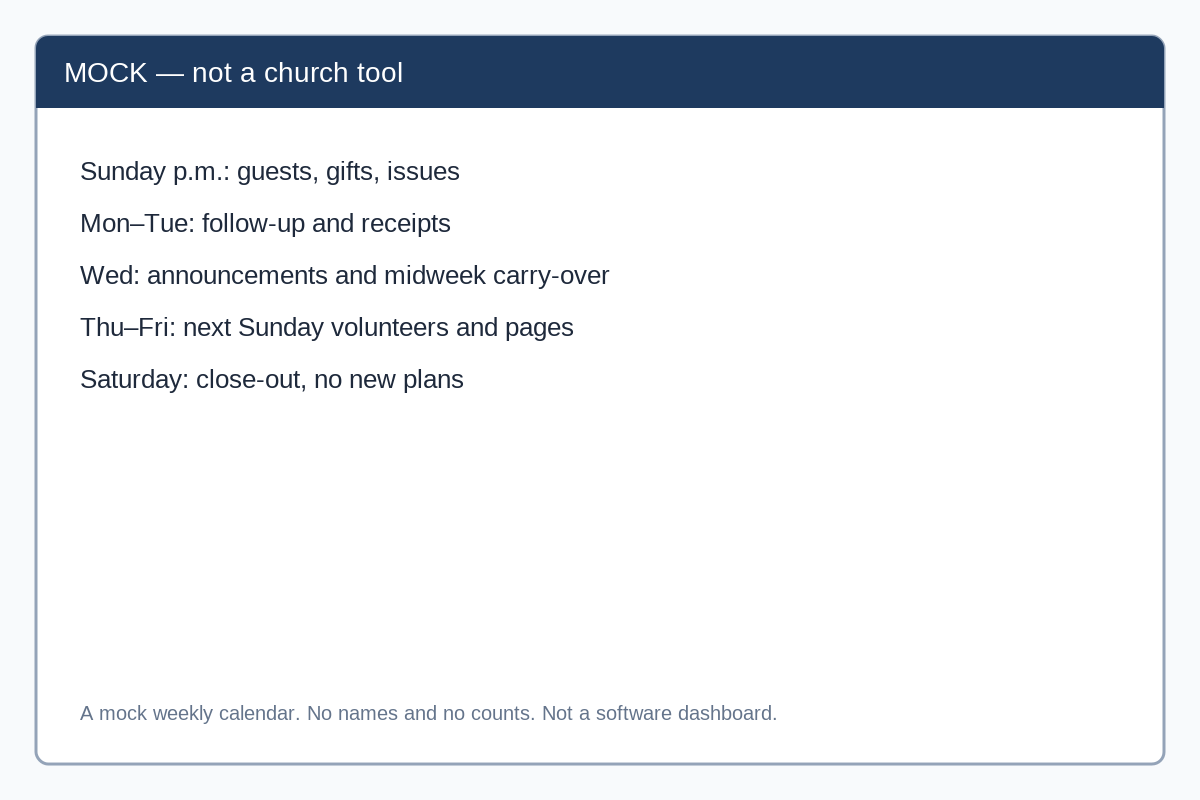
TL;DR: Run the week in a fixed order: Sunday afternoon, catch guests, gifts, and volunteer issues while the service is still fresh. Midweek, send announcements and any carry-over from Sunday's message. Thursday or Friday, confirm next Sunday's volunteers and the giving or event pages people will use. Saturday is a close-out, not a planning day. If a task already has a written rule, it can move into a tool; if it does not, write the rule first. The order of what to automate first is on what to automate first in a small church. Use the church automation tools and ministry workflow automation pages when you are ready to choose a tool.
What should a weekly church admin workflow include?
It should include the work that repeats every week and has a clear owner: first-time guest follow-up, giving receipts or thank-yous, volunteer confirmation for the coming Sunday, the midweek announcement, and any midweek carry-over from the sermon. It should not try to be a full annual calendar or a software manual.
Write the workflow on one page, with a weekday and a named person next to each job. A workflow with no owner is a wish list.
What belongs on Sunday afternoon?
Three lists, while they are still accurate:
- First-time guests or connect cards that need follow-up, with the date and the message that will go out.
- Gifts or giving problems that need a receipt, a thank-you, or a person (a failed payment, a designation question, a duplicate).
- Volunteer issues from the service that affect next week (a no-show, a swap already made, a role still open).
Do not start next Sunday's sermon on Sunday afternoon unless that is already your writing day. Admin close-out is a different job from sermon writing. Sermon work follows the outline template and, if you plan in series, the series map.
If guest follow-up already has a written rule, this is the moment to run it, not to redesign it. See the church visitor follow-up system page for the sequence itself.
What belongs on Monday and Tuesday?
Finish the Sunday lists. That means:
- Every first-time guest from Sunday is either messaged, clearly parked for a named person, or marked as missing contact information.
- Receipts or thank-yous that can be sent on a schedule are sent, and any money exception is in a human's queue, not in an automated send.
- Open volunteer roles for the coming Sunday have an owner who will ask someone, not a blank slot on a chart.
This is also the right window to update attendance or guest records, if you keep them. Do not let record-keeping delay the messages. A complete database entry that goes out on Friday is worse than a timely welcome with the record finished later.
For how these jobs connect once they are written down, use the ministry workflow automation guide and the church administrator tools page.
What belongs in the middle of the week?
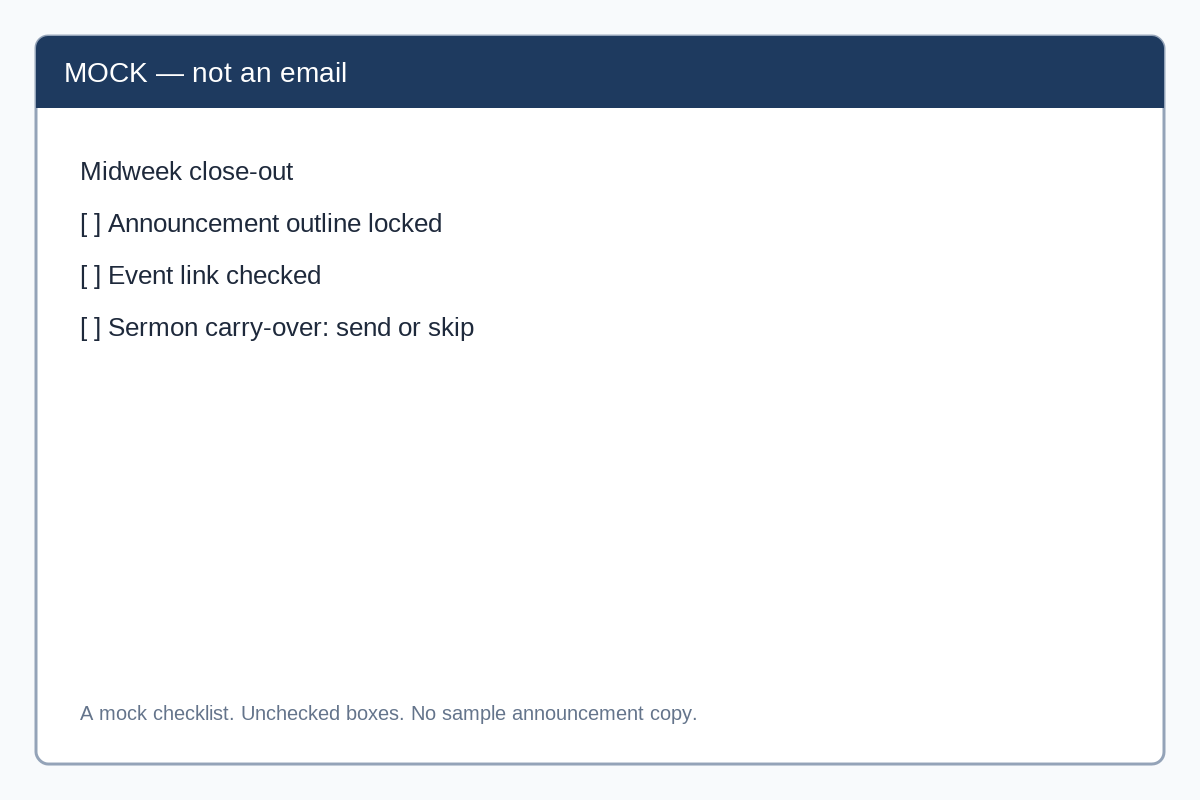
Two sends, at most, on your usual midweek day:
- The announcement message: service times, one event that needs a response, and one next step. If an event needs registration, the announcement should point at a page that already works, not at a form you still plan to build. Event tools are covered in the church event management software article.
- The midweek carry-over from Sunday's message, if you planned one: a discussion question, a household practice, or a single public post. The sermon to social posts and Sunday school lesson pages are for developing that item. The weekly workflow only asks whether it goes out on time.
If you do not have a carry-over written, skip it. Do not invent a midweek message on Wednesday morning that the Sunday sermon cannot support.
What belongs on Thursday and Friday?
Confirm the coming Sunday, in writing:
- Volunteers: every role has a person, or a named owner is still filling it. Reminders go out if that is your rule. Use the volunteer scheduling guide when you are ready to put reminders on a trigger.
- Public pages: service times, the giving path, and any event page mentioned midweek still match reality. A broken giving or registration link found on Thursday is cheaper than one found on Sunday morning.
- Exceptions: anything that cannot be handled by the standard rule is already in a person's queue, with a due time.
Friday should not be the first time someone looks at the volunteer chart. If it is, the Sunday-afternoon list did not do its job.
What belongs on Saturday?
A close-out, not a planning session:
- Confirm that guest follow-up from last Sunday is complete or owned.
- Confirm that next Sunday's volunteers and public pages were already checked.
- Write down anything that slipped, so Monday does not start from memory.
If Saturday is when you still write announcements, choose roles, and hunt for guest names, the workflow is running a day late. Move those jobs earlier; do not add a longer Saturday list.
How does this workflow connect to tools?
Tools come after the weekday and the owner are clear. A new platform will not fix a week that has no owner on Tuesday.
When you are ready to pick or connect tools, start with the church automation tools page, then ministry workflow automation. The 4-week order for which job to automate first is on what to automate first in a small church.
Where do prompts fit in a weekly workflow?
Prompts can help you draft the midweek announcement, a volunteer reminder, or a standard welcome, once the weekday and the rule are set. They should not assign owners, and they should not send the message.
If you want a set of ready-to-use prompts for operations, volunteer coordination, and weekly admin writing, use the Executive Pastor AI Prompt Pack (opens in a new tab). On Nov 24, 2026, that Gumroad page listed $6.99 USD, shown as a limited-time price against a $9.99 list price. Confirm the current price on that page before you buy. For more than one staff role, see the Complete Church Staff AI Bundle (opens in a new tab). The same day, the bundle page listed $24.99 USD, shown as a limited-time price against a $49.99 list price.
Who should not use this weekly map as written?
- If several staff already run a stable weekly rhythm, do not add this calendar on top of theirs. Use the tools and workflow guides to tighten the jobs you already have.
- If your only problem is choosing software, skip this page and use church automation tools.
- If no one can own exceptions, do not automate the sends in this calendar. A weekly map without a human for replies will create pastoral mess.
Frequently asked questions
Can one person run this whole week?
Yes, in a small church, if the rules are short and exceptions have a time limit. If one person is doing all of it and regularly running into Saturday, cut the midweek carry-over or move announcements to a fixed outline before you add new projects.
Where does sermon writing sit in this workflow?
It sits beside it, not inside the admin close-out. Use your existing writing day, the sermon outline template, and the sermon research page. This workflow only carries the midweek item that was already planned.
What if we have midweek services as well as Sunday?
Keep the same jobs, and add a second close-out after the midweek service: guests, issues, and any change to Sunday's volunteer list. Do not invent a second announcement cycle unless something actually changed.
How do we know the workflow is working?
Each Monday, look at last week's list: how many guest messages went out on time, how many volunteer roles were still open on Friday, and whether the midweek announcement went out on the usual day. A short tally is enough. Do not invent a score.
Keep reading
Ready to save time on the work that repeats every week?
Executive Pastor AI Prompt Pack
Ready-to-use prompts for church administration, operations, planning, volunteer coordination, and practical staff workflows.
Complete Church Staff AI Bundle
All 7 role-specific prompt packs for the work your church staff does every week—from pastoral care and administration to communication, youth, worship, and children’s ministry.