What to Automate First in a Small Church This Month
Ministry Automation makes and sells the prompt packs linked on this page.
Two practical ways to get started with AI in your ministry
Executive Pastor AI Prompt Pack
$6.99 · one-time purchase
Complete Church Staff AI Bundle
$24.99 one-time · all 7 role packs
How these pages are made | Tell us if a process on this page is wrong
TL;DR: Start with the work that repeats every week and already has a clear "if this, then that" rule: new-visitor follow-up, giving receipts or reminders, volunteer reminders, then weekly announcements. Leave pastoral conversations, money exceptions, and anything that needs judgment on a hard case in human hands. Use this page to pick the order. Use the church automation tools guide when you are ready to choose software.
What should a small church automate first?
The first jobs to automate are the ones that already happen the same way every week, can be written as a short rule, and hurt people when they are missed: a new visitor who never gets a message, a giver who never gets a receipt, a volunteer who is not reminded they are on the schedule, or a midweek announcement that goes out late.
If a task needs a conversation, a judgment call, or a one-off exception, keep it with a person. Automation is for the repeatable path, not for the hard case.
How do you tell a good first job from a bad one?
A good first job has four traits:
- It already happens at least weekly.
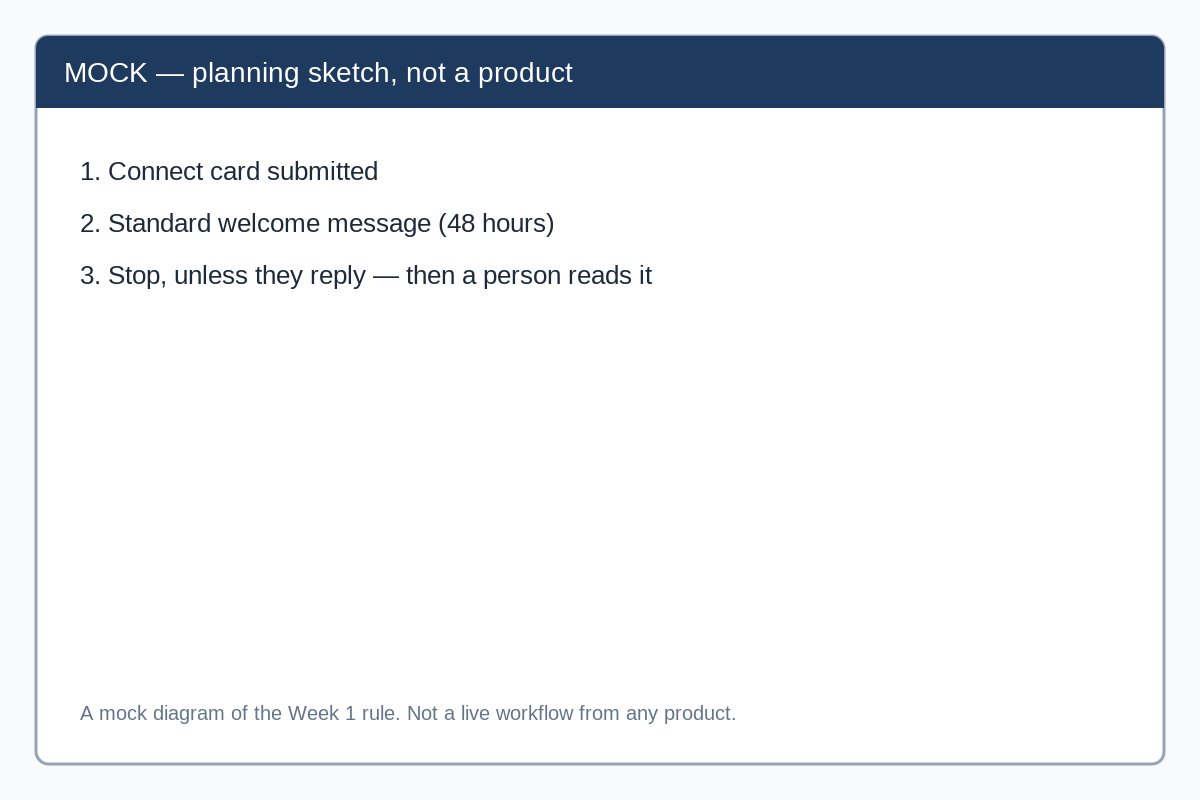
- You can write the rule in one or two sentences ("If a first-time guest fills out a connect card, send this message within 48 hours, then stop unless they reply").
- Missing it has a clear cost to a person, not just to a spreadsheet.
- A missed send is recoverable (you can follow up late) and is not a legal, medical, or counseling act.
A bad first job is one you have not yet defined, one that changes every time, or one where a wrong message would do real harm. Do not automate a messy process. Write the rule on paper first, run it by hand for two weeks, then move the rule into a tool.
This is also the test used in the ministry workflow automation guide: start with a written process, then pick the tool. This page does not replace that guide. It gives you the order to apply it.
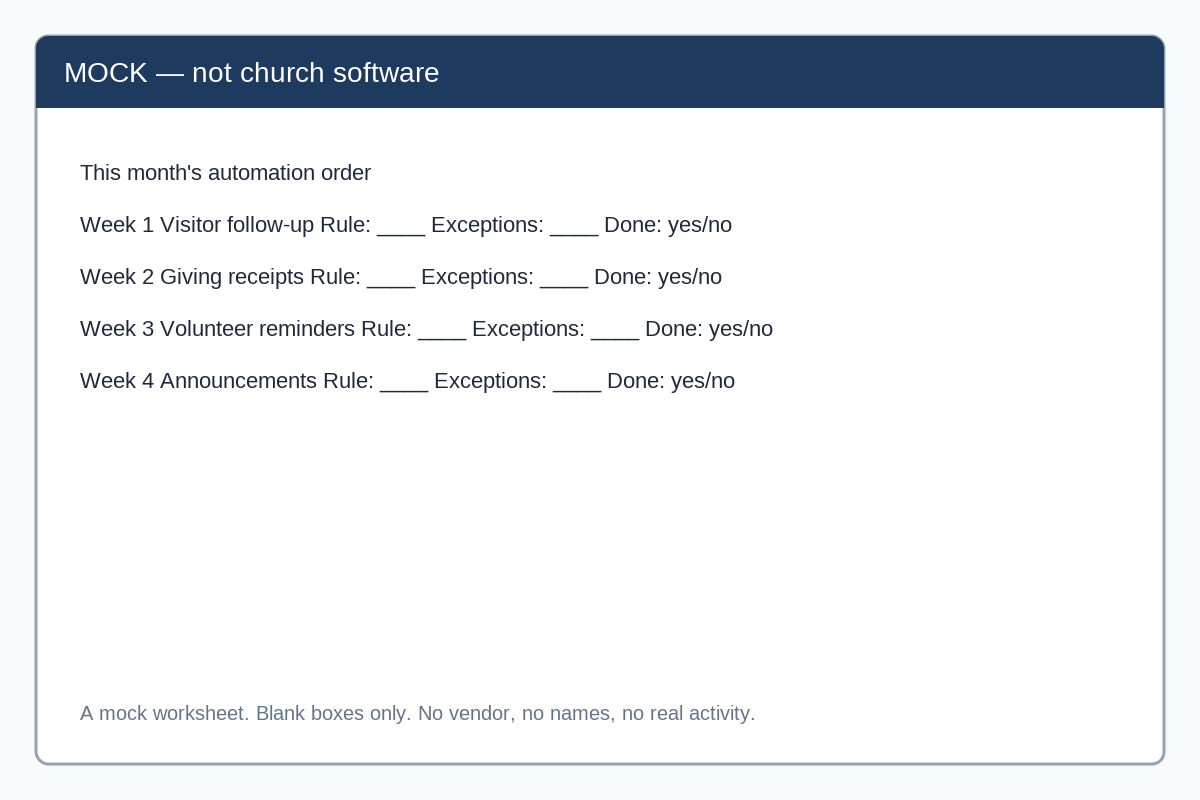
What is the 4-week order?
The order below is a starting plan for a church where one or two people still do most of the admin work. Change the sequence if one of these jobs is already solid and another is the one that keeps failing.
| Week | Job | The rule you should be able to write | Keep human |
|---|---|---|---|
| 1 | New-visitor follow-up | If someone is marked as a first-time guest, they get one standard message within a set window, then a second step only if they reply or leave a question. | Any reply that is pastoral, confidential, or conflict-related. Do not auto-send a second personal message that pretends a pastor already knows them. |
| 2 | Giving receipts or reminders | If a gift is recorded, a receipt or thank-you goes out on a set schedule. Recurring givers get a consistent confirmation, not a one-off note written from memory. | Refunds, designation errors, hardship conversations, and any message about a specific person's giving history. |
| 3 | Volunteer reminders | If someone is scheduled this week, they get a reminder with the role, time, and who to contact if they cannot serve. | Last-minute swaps that need a phone call, and any conversation about why someone is stepping down. |
| 4 | Weekly announcements | If it is the usual midweek send day, the announcement list goes out from a prepared outline (service times, one event, one next step). | Anything sensitive, political, or about a person in crisis. Those stay out of the automated send. |
Why start with visitor follow-up instead of a bigger system?
Visitor follow-up is usually the smallest complete loop: one trigger, one message, one stop rule. It is also the job people notice when it fails. A church can spend months picking a full database and still leave first-time guests uncontacted.
If you already have a follow-up path that works, skip to the first job in the table that does not. If follow-up is inconsistent, fix that before you rebuild event registration or membership records. The church visitor follow-up system page covers the follow-up sequence itself. This page only places it first in the month.
What should never be the first thing you automate?
Do not start with these, even if a vendor presentation leads with them:
- Counseling or care conversations.
- Anything that sends a message about a person's giving, attendance, or family situation to a group.
- A full church database migration. Moving messy records is not automation; it is a project. Stay on the list or spreadsheet until the weekly rules above are stable. Do not treat a database move as week 1.
- Event registration for a complex midweek program, unless the only events you run already have a simple sign-up rule. Event tools are covered in the church event management software article. Use that page when the event process is already written down.
Volunteer scheduling can wait until week 3 unless missed reminders are already your most painful weekly failure. When you get there, use the existing volunteer scheduling guide rather than inventing a second one.
How do you run week 1 without buying new software?
You do not need a new platform to prove the rule. For two weeks, do this by hand, on a single shared list:
- Write the exact welcome message and the exact window (for example, within 48 hours of the service).
- Write the stop rule: no second automated message unless they reply, and every reply goes to a named person.
- Record, each Monday, how many first-time guests you had and how many received the message on time. A tally is enough. Do not invent a dashboard.
- Only after the rule holds for two Sundays should you look at tools that can send the same message on a trigger.
When you are ready to choose a tool, start with the church automation tools page, then the ministry workflow automation page for how the pieces connect. For admin-specific workflows, see tools for church administrators.
Where do prompts fit once the rule is written?
Once the rule is on paper, prompts can help you draft the standard welcome, the volunteer reminder, or the midweek announcement outline. They do not choose the rule, and they should not send anything on their own.
If you want a set of ready-to-use prompts for church operations, volunteer coordination, and weekly admin writing, use the Executive Pastor AI Prompt Pack (opens in a new tab). It is a prompt pack, not church management software, and it does not replace the tools guide. On Nov 24, 2026, that Gumroad page listed $6.99 USD, shown as a limited-time price against a $9.99 list price. Confirm the current price on that page before you buy. If you need prompts for more than one staff role, the Complete Church Staff AI Bundle (opens in a new tab) collects the role packs. The same day, the bundle page listed $24.99 USD, shown as a limited-time price against a $49.99 list price.
Who should not follow this 4-week plan?
Skip this plan if:
- You already have a working follow-up, receipt, reminder, and announcement rhythm. In that case, you need a tools or workflow comparison, not a starter order. Use the church automation tools page.
- Your immediate problem is a giving platform choice. That is a different job. The Fast Church Websites church giving software guide is the comparison page for that decision.
- No one on the team will own exceptions. Automation without a named human for replies will create more pastoral mess than it removes.
Frequently asked questions
Can we automate all four jobs in the first week?
You can try, but you will not know which rule failed. The point of the monthly order is to get one loop reliable before adding the next. If a volunteer already owns one of the four and it is stable, start with the first unstable job instead of restarting that one.
Do we need a church management system before we automate anything?
No. A written rule and a shared list are enough to test week 1. A database helps later, when the rule is stable and you are tired of copying names by hand. Buying software first often delays the rule.
What if our biggest problem is Sunday volunteer no-shows?
Then week 3 becomes week 1. Keep the same method: write the reminder, name the person who handles a swap, run it by hand, then look at scheduling tools. Do not jump to a full workforce system because one role is shaky.
Is it okay to use the same welcome message for every first-time guest?
For the first automated step, yes: one clear, short, accurate message is better than a custom note that never goes out. The personal part belongs in the reply, after they respond, and that part should stay human.
How will we know this is working?
Count two things each Monday: how many people should have received the message, and how many did, on time. If you want a third number, count replies that needed a person. Do not set a conversion target you cannot measure honestly.
Keep reading
Ready to save time on the work that repeats every week?
Executive Pastor AI Prompt Pack
Ready-to-use prompts for church administration, operations, planning, volunteer coordination, and practical staff workflows.
Complete Church Staff AI Bundle
All 7 role-specific prompt packs for the work your church staff does every week—from pastoral care and administration to communication, youth, worship, and children’s ministry.