How to Run Church Event Registration Without Losing Sign-Ups
Ministry Automation makes and sells the prompt packs linked on this page.
Two practical ways to get started with AI in your ministry
Executive Pastor AI Prompt Pack
$6.99 · one-time purchase
Complete Church Staff AI Bundle
$24.99 one-time · all 7 role packs
How these pages are made | Tell us if a step on this page is wrong
TL;DR: A registration path works when there is one form, an automatic confirmation the registrant can see, a list someone watches, and a reminder before the event. Write those four pieces down before you pick new software. Use the church event management software guide when you are ready to choose a tool. This page is the weekly workflow, not a vendor comparison.
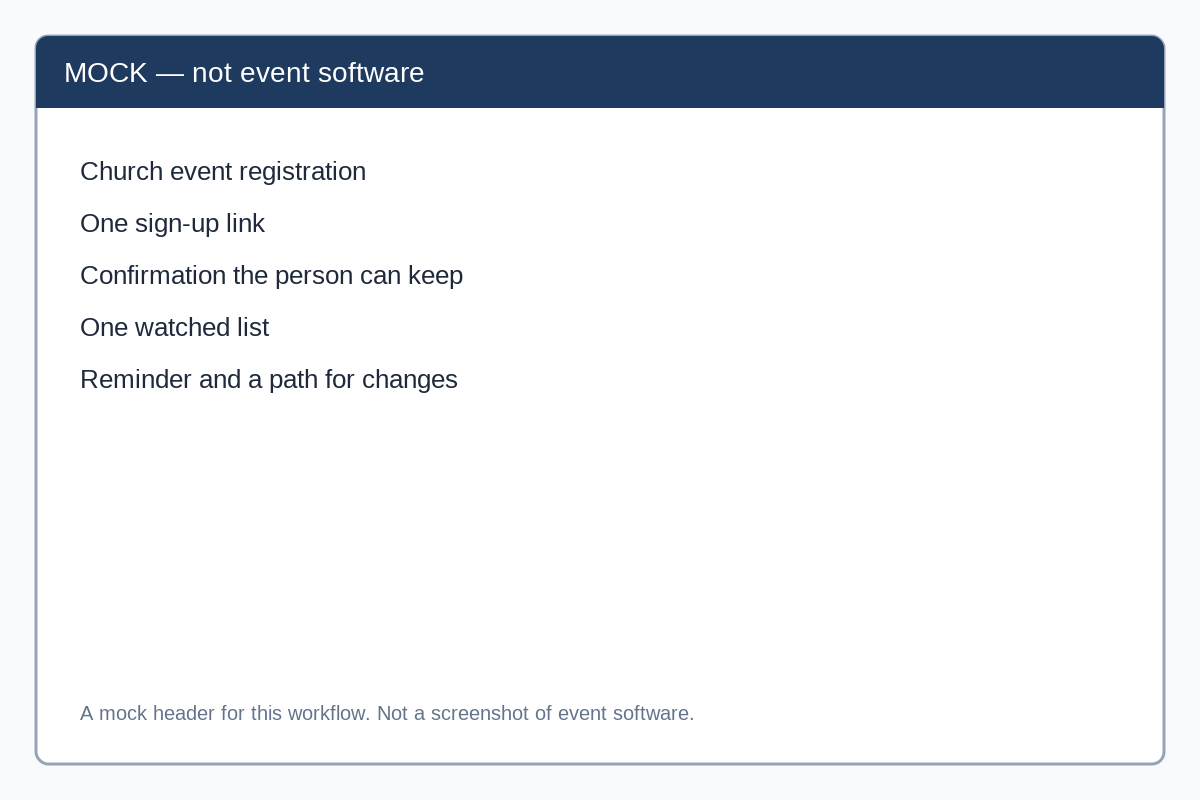
What should a church event registration path include?
Four jobs, owned by a named person:
- One place to sign up. One form or one link, used in the announcement, the website, and any printed note.
- A confirmation the person can keep. An email, a text, or a screen that restates the event, the time, and any cost or item they need to bring.
- A list you can trust. A single roster that is the source of truth, not three spreadsheets plus a Facebook thread.
- A reminder, and a path for changes. A reminder before the event, and a way to cancel or ask a question that a person will see.
If any of the four is missing, sign-ups leak: people think they are registered, or you think they are, and Sunday morning is the first time anyone notices.
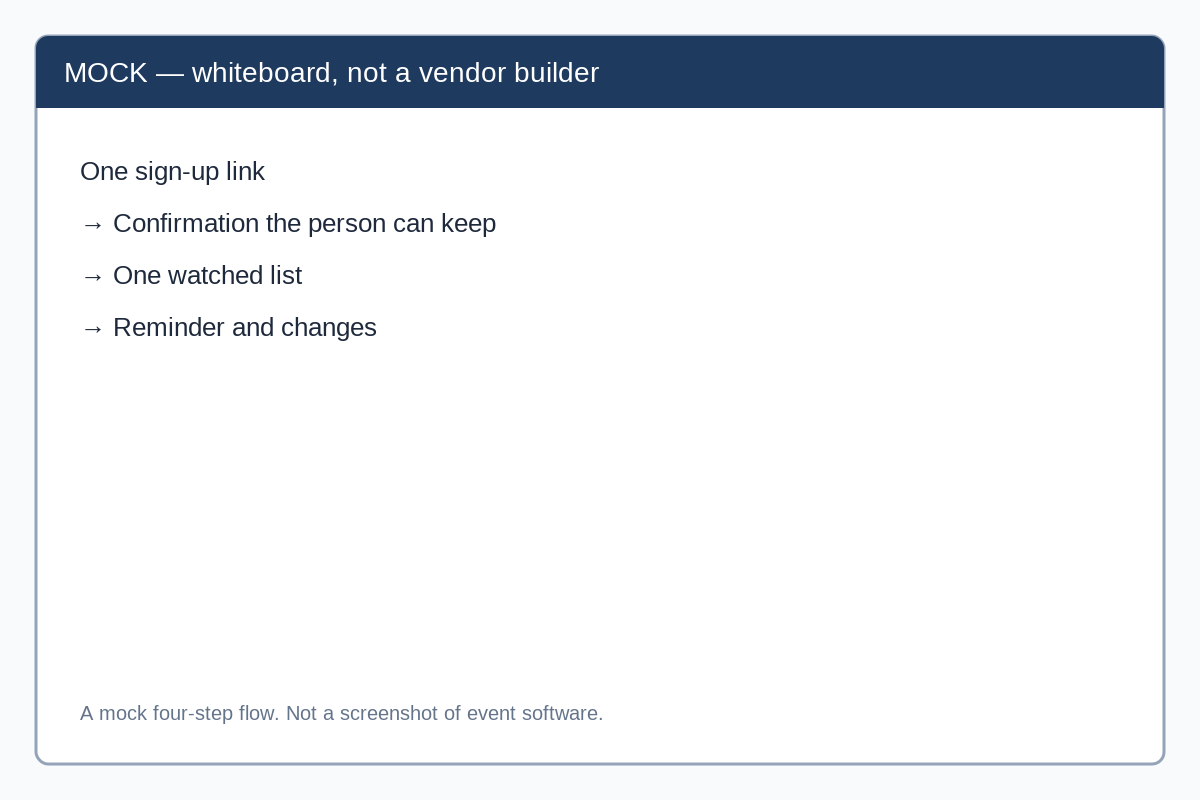
How do you set this up for one event, without a new platform?
For a single potluck, class, or volunteer night, you can run the four jobs on a simple form and a shared list:
- Write the event name, date, time, location, who it is for, and the deadline, in the same words you will use everywhere.
- Create one form that asks only what you will use: name, contact, number of people, and any real constraint (childcare, dietary, or a role they are signing up for).
- Send or show a confirmation that repeats the event details. If the tool cannot send one, send it yourself the same day and write that into the rule.
- Put every response on one list as it comes in. Do not leave them in an email inbox.
- Send one reminder, at a time you can keep (for example, the day before), and say how to cancel.
Run that path once by hand. If the rule holds, then look at tools that can send the confirmation and the reminder for you. The church event management software page is the comparison for that step. How those tools connect to the rest of the week's work is on ministry workflow automation and church automation tools.
What should never be in the first version of the form?
- Questions you will not use.
- A second sign-up link "just for Facebook."
- Payment on the form if you do not yet have a way to match a payment to a name. If the event has a cost, say how to pay, and who to contact if a payment and a registration do not match. Giving-tool questions belong on a giving guide, not here.
- A public list of everyone who signed up, unless the event requires it and people know it will be visible.
If you also need childcare or volunteer roles for the event, use a specific question or a second, clearly labeled form. Do not hide a volunteer ask inside a general RSVP.
What happens when someone emails instead of using the form?
Write the exception rule in advance: the person who watches the list adds them, sends the same confirmation, and does not leave the request sitting only in email. If that rule does not exist, you will have two attendance lists by the end of the week.
The same person should handle "I need to cancel" and "I never got a confirmation." Those are not extra projects. They are part of job 4.
How does this fit the rest of the week?
Announcements should point at the one link, and only after that link works on a phone. Midweek communication belongs in the weekly church admin workflow; event registration is one item in that week, not a separate calendar. Do not announce a form that has not been tested.
Where do prompts fit?
Prompts can help you draft the event description, the confirmation text, or the reminder, once the four jobs and the owner are set. They should not be the list, and they should not send the reminder on their own.
If you want ready-to-use prompts for operations and event communication, use the Executive Pastor AI Prompt Pack (opens in a new tab). On Nov 24, 2026, that Gumroad page listed $6.99 USD, shown as a limited-time price against a $9.99 list price. Confirm the current price on that page before you buy. For more than one staff role, see the Complete Church Staff AI Bundle (opens in a new tab). The same day, the bundle page listed $24.99 USD, shown as a limited-time price against a $49.99 list price.
Who should not use this workflow as written?
- If you are choosing event software, use the event management software guide. This page will not tell you which vendor to buy.
- If no one will watch the list, do not open registration. A form without an owner creates more pastoral mess than a paper sign-up at the door.
- If the event is pastoral or confidential (a counseling group, a care meeting), do not use a general public form. Handle sign-up in a way that matches the privacy the event requires.
Frequently asked questions
Can we take sign-ups only in the Sunday bulletin?
You can, but you still need one list and a confirmation for people who sign up later in the week. A bulletin line with no follow-up is how names get lost.
Do we need paid event software for a potluck?
No. A simple form and a watched list are enough for a one-off event, if the four jobs are covered. Software helps when you run many events and the confirmations are the thing that keeps slipping.
What if two ministries each have their own form?
Then you have two events, or you have a leak. If it is one event, pick one form and redirect the other announcement to it.
How will we know this is working?
Before the event, you should be able to answer, from one list, who is coming and who has been reminded. After the event, note how many people arrived who were not on the list, and how many on the list did not get a confirmation. A short tally is enough. Do not invent a benchmark.
Keep reading
Ready to save time on the work that repeats every week?
Executive Pastor AI Prompt Pack
Ready-to-use prompts for church administration, operations, planning, volunteer coordination, and practical staff workflows.
Complete Church Staff AI Bundle
All 7 role-specific prompt packs for the work your church staff does every week—from pastoral care and administration to communication, youth, worship, and children’s ministry.